Spin the Wheel
Privacy and Policy
Frequently Asked Questions
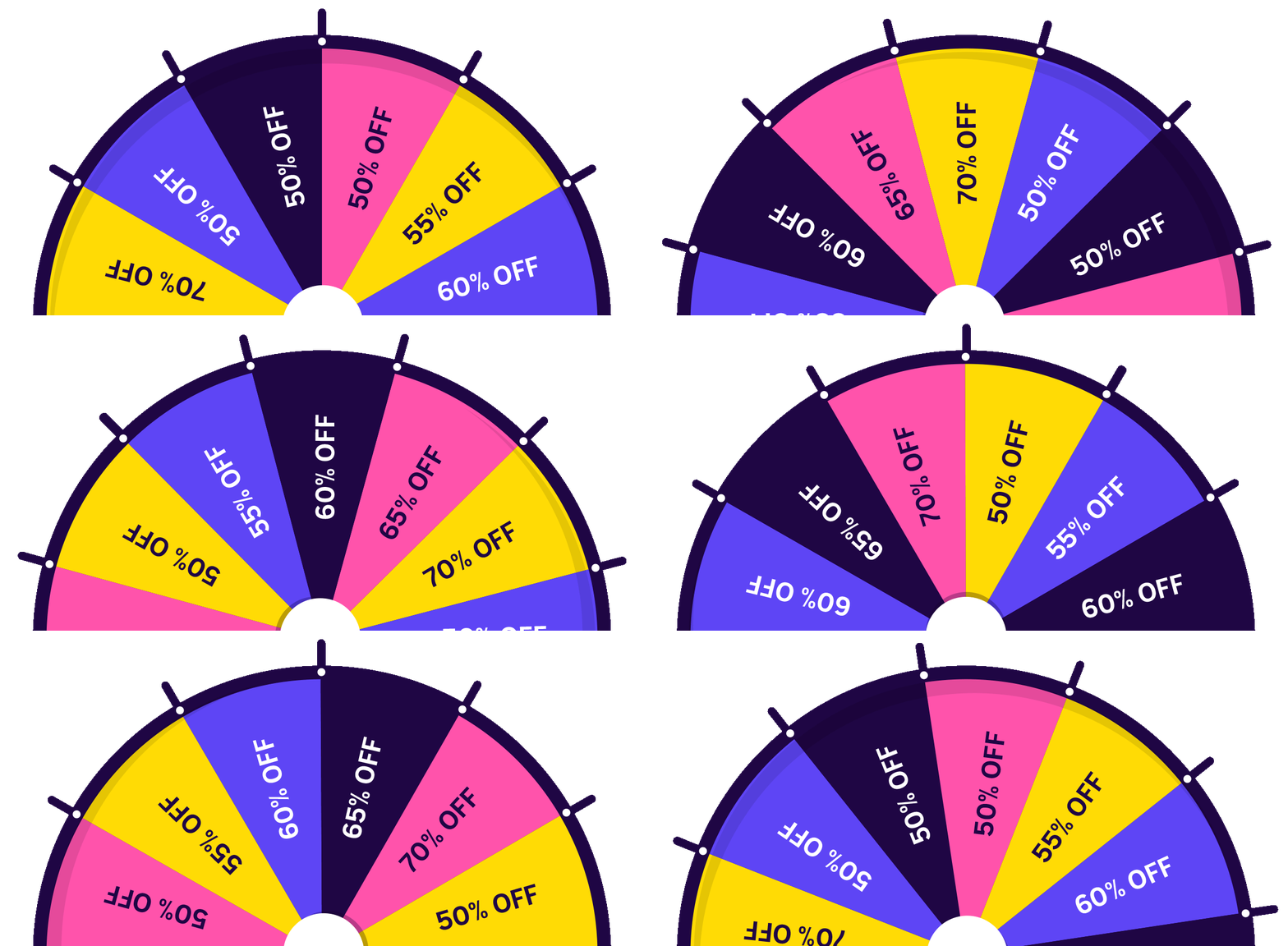
Q: How do I change the wheel colors?
A: Edit each wheel item and change the color using the color picker. Each item can have a different color.
Q: Can I limit spins to registered users only?
A: Yes, go to Settings and change "Restriction Type" to "Registered user".
Q: How do I add a custom promotion code?
A: When creating/editing a Promotion type item, enter the promotion code in the "Promotion Code" field. This code will be displayed to customers when they win.
Q: Can I export spin data?
A: Yes, use the Leads Report or Customers Report and click the "Export to Excel" button.
Q: How does the re-spin feature work?
A: When a customer wins a "Re-spin Again" item (Type 2), they can spin the wheel one more time immediately. This can only happen once per occurrence.
Q: Can I customize the floating button position?
A: Yes, you can choose from 8 different positions: top-left, top-right, bottom-left, bottom-right, top-center, bottom-center, right-center, and left-center.
My account
Create order
About us


© 2004 - 2026 CS-Cart. Powered by Multi-Vendor - Shopping Cart Software